-1.png?width=300&height=50&name=Phonovation%20Logo%20(1)-1.png)
This features give you and your team visibility into the SMS messages you are sending via our HubSpot Integration
In this current version, only SMS messages sent via the Phonovation HubSpot integration will show as timeline activity on your contacts. SMS messages sent via the Phonovation SMS platform will not show on your HubSpot Platform.
Sent Messages
Any SMS message sent via Phonovation's HubSpot Integration will be logged to its corresponding contacts timeline activity. This applies to our Contact Card, Workflow action and campaign setup. The message will appear as the below: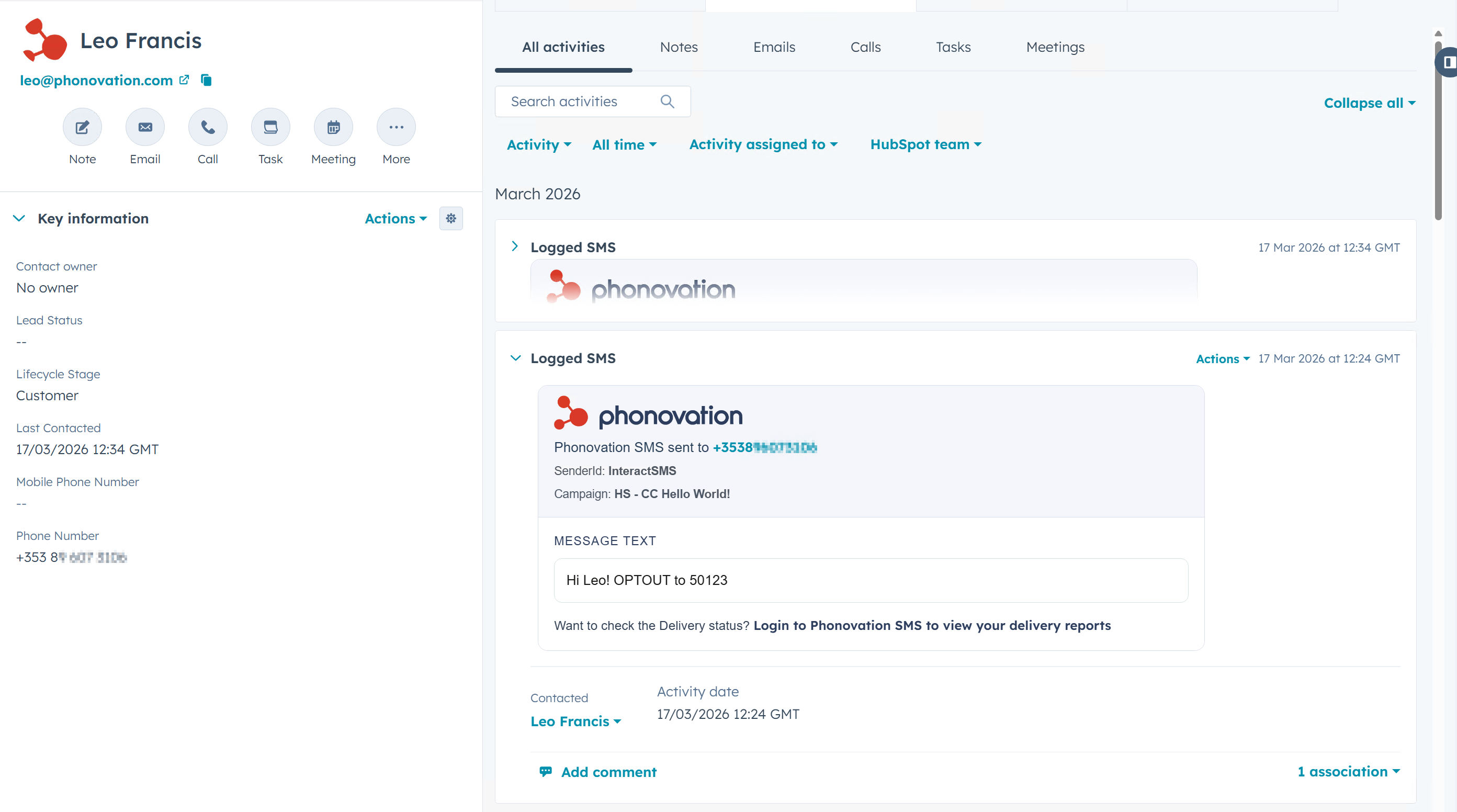
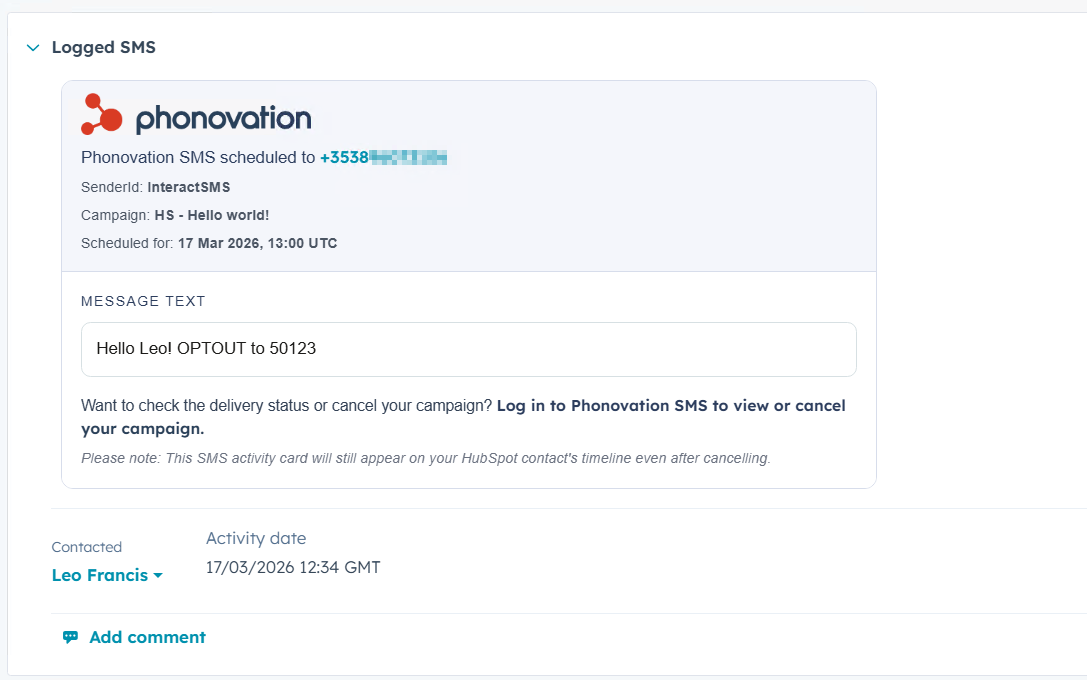
If you sent a message via the Campaign Setup app page and scheduled it for the future, you will see the scheduled date on the timeline card like the below: